
Download Crystal Clear Icons – desktop icons, 3D icons, icon pack, Windows, high-quality icons, visual customization
Overview
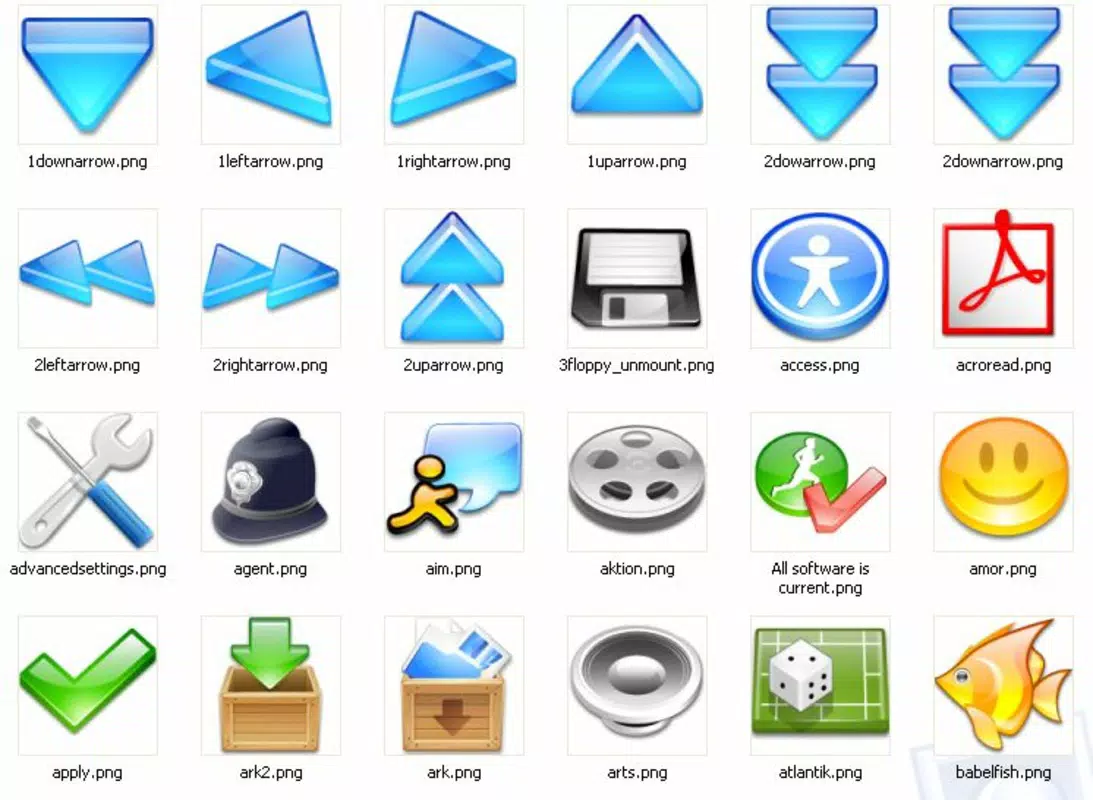
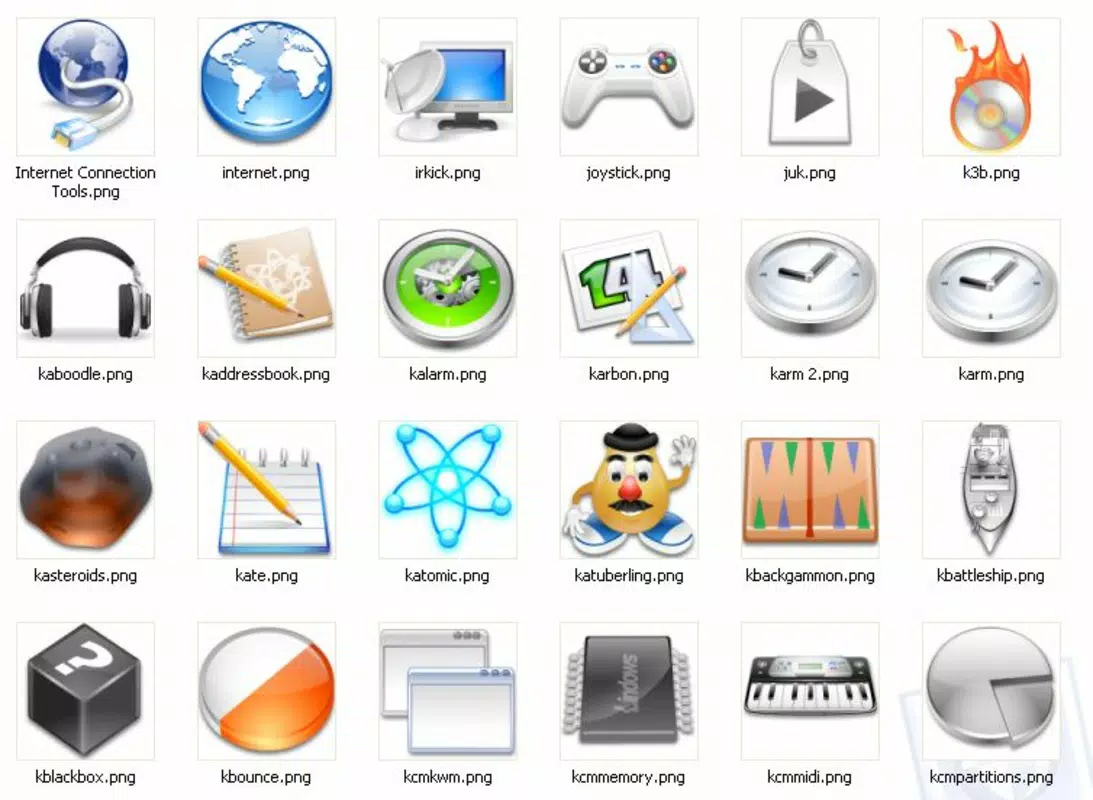
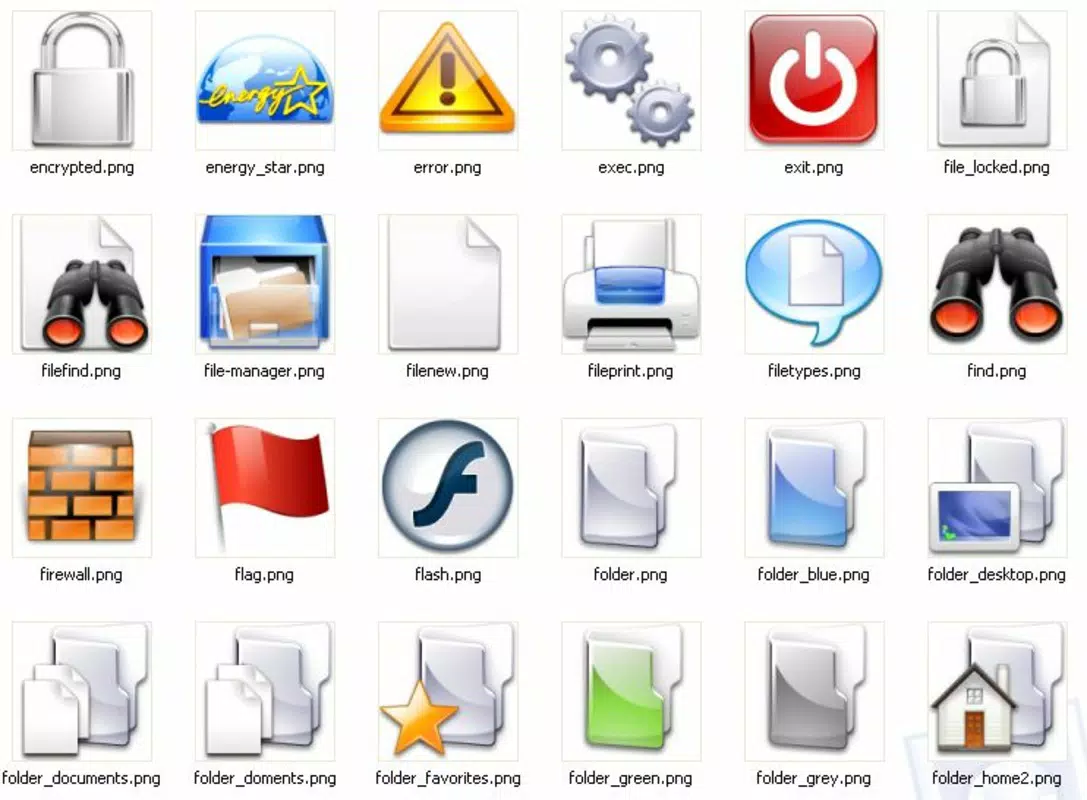
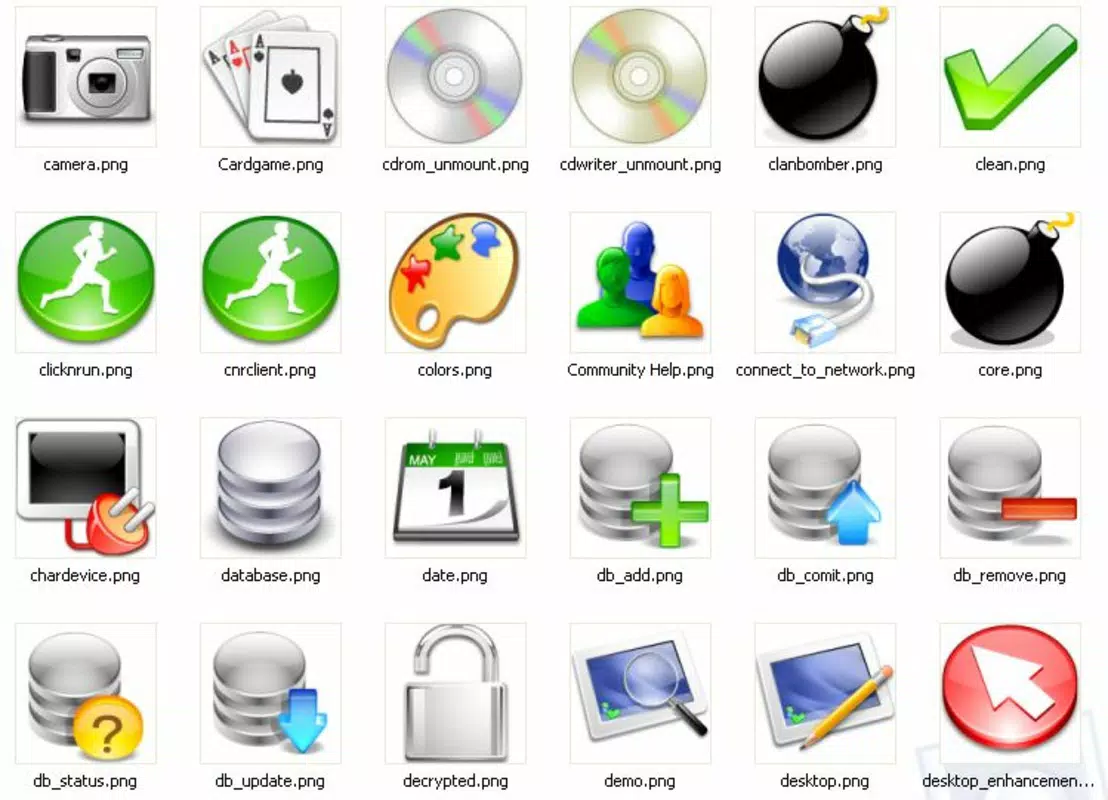
The Crystal Clear Icons app offers a curated collection of approximately 400 high-quality 3D icons designed to enhance the visual experience of Windows desktop environments. Targeted at users seeking to personalize their digital workspace, this tool provides a vibrant and modern alternative to default system icons. By replacing standard icons with detailed, visually striking designs, the app helps users create a more engaging and customized interface. It is particularly suited for individuals who value aesthetics, productivity through personalization, and creative expression in their daily computing routines.
Although the developer did not provide additional technical details, the app’s purpose is clear: to deliver a visually refreshing solution for desktop icon customization. The utility of Crystal Clear Icons extends beyond simple appearance changes—it can improve user engagement by reducing visual fatigue from repetitive default icons. Real-world use cases include personalizing folders, application shortcuts, and even integrating icons into third-party tools or VoIP platforms. In the broader app ecosystem, this tool occupies a niche role as a lightweight, focused utility that empowers users to take control of their visual environment without requiring advanced technical knowledge.
Key Features & Functionality
- Extensive Icon Collection: The app includes around 400 3D icons covering a wide range of file types, applications, and software categories, ensuring users can find a suitable icon for nearly any digital object.
- High-Quality Design: Each icon is crafted with attention to detail, ensuring sharp clarity and visual polish on standard and high-resolution displays.
- Versatile Usage: Icons are available in .png format, allowing users to repurpose them beyond desktop customization—such as in presentations, web design, or application interfaces.
- Visual Customization: The vibrant and modern design language transforms the desktop experience, offering a fresh, dynamic look that reduces monotony.
- User-Friendly Installation: The setup process is straightforward, enabling users with minimal technical experience to apply the new icons efficiently and without complications.
For example, a user managing multiple project folders could assign unique, thematic icons to each, improving visual navigation. Similarly, a content creator might extract specific icons to use in a presentation or website mockup. The ability to reuse .png files enhances the tool’s utility beyond the desktop, making it a practical resource for both personal and professional workflows.
Interface, UX & Performance
The interface of Crystal Clear Icons is designed with simplicity in mind, focusing on efficient icon selection and application. Users can browse through the collection using a clean, organized layout that likely supports filtering by category or file type. Navigation is expected to be intuitive, allowing quick access to desired icons without unnecessary steps. The installation process is described as straightforward, suggesting minimal user interaction and a seamless onboarding experience.
Although the developer did not list formal performance metrics, the app’s lightweight nature—measuring just 15.2 MB—indicates efficient resource usage. This small footprint suggests that the app runs smoothly on a variety of Windows systems, including older or low-spec hardware. Responsiveness is likely consistent, as the tool does not require ongoing background processes. Stability is implied by its long-standing presence since 2005, though no recent updates have been documented. The app appears to function reliably for its intended purpose without causing system slowdowns or crashes.
Platform Compatibility & Technical Requirements
Crystal Clear Icons is designed for the Windows platform and is compatible with Windows operating systems. The app’s software version is 1.0, and the file size is 15.2 MB. Specific OS requirements were not listed, so users should verify compatibility with their current Windows environment. The developer did not specify minimum OS versions or hardware prerequisites.
Given its release date in 2005, the app may function on older Windows versions such as XP, Vista, or 7. However, compatibility with newer versions like Windows 10 or 11 is not confirmed. Users are advised to test the app in a safe environment before full deployment. No additional dependencies or system modifications were mentioned, which supports the idea of a standalone, self-contained utility.
Pros and Cons
Pros
- Large collection of 400 high-quality 3D icons for diverse use cases
- Icons are available in .png format, enabling reuse across multiple platforms
- Simple and intuitive installation process suitable for all user levels
- Lightweight file size (15.2 MB) ensures minimal system impact
- Free to download and use, making it accessible to a broad audience
Cons
- No recent updates since 2005; potential compatibility issues with modern Windows versions
- Developer did not provide detailed system requirements or compatibility information
- Limited to Windows platform; no support for Android or iOS
- No built-in preview or customization tools for icon placement or size
- No official support channels or documentation provided
FAQ
Is Crystal Clear Icons safe to download and install?
The app is free and available from trusted sources. However, users should ensure they download from official or verified platforms to avoid potential security risks.
Can I use these icons on Android or iOS devices?
Crystal Clear Icons is designed exclusively for Windows. The .png files can be transferred manually, but the app itself is not compatible with mobile operating systems.
Does the app require internet access after installation?
No internet connection is required after installation. The tool operates offline once set up.
How do I install the icons on my desktop?
Installation is straightforward—users can follow the included instructions to replace default icons with the new ones from the pack.
Are there any updates available for this app?
The last release was in 2005. No updates have been documented since then, so users should be cautious about long-term compatibility.
Final Thoughts
Crystal Clear Icons remains a notable utility for users seeking to enhance their Windows desktop experience with vibrant, high-quality 3D icons. Despite its age, the app delivers on its core promise: visual customization through a large, well-designed icon pack. Its lightweight nature and free availability make it a valuable tool for personal and professional use. While the lack of updates and modern compatibility may limit its appeal for some, it still serves as a reliable option for those using older Windows systems or who prioritize simplicity and functionality over cutting-edge features.
For users who value a personalized digital workspace and enjoy creative customization, this app offers real value. Its versatility in format and application extends its usefulness beyond the desktop. If you're looking to refresh your screen with a modern, professional look, Crystal Clear Icons is worth exploring.
Download Crystal Clear Icons now


